iOS 26 SDK Deadline: 3 Weeks Out and Counting
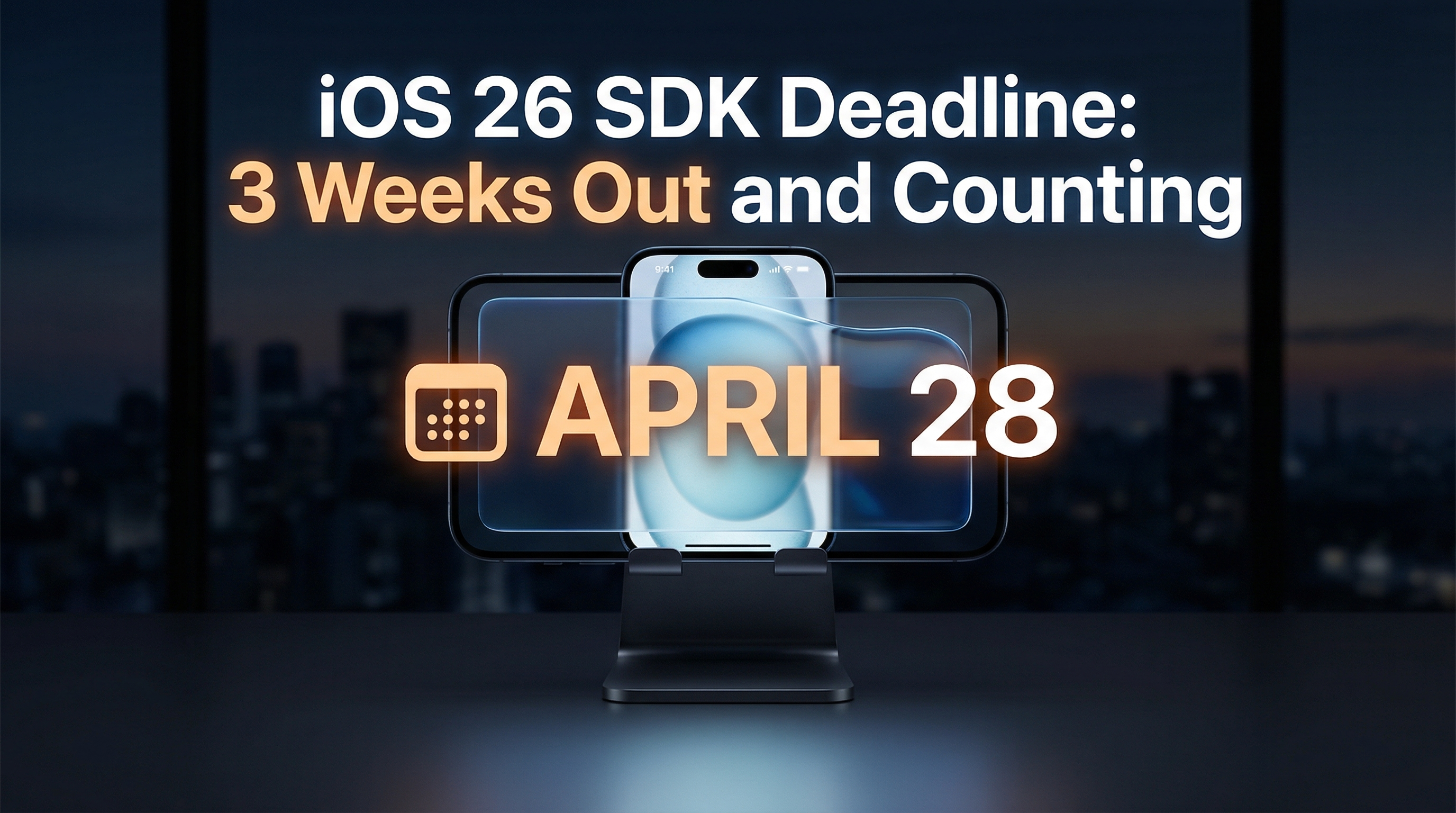
If you're building a mobile app (or running a company that has one), here's your friendly heads-up: April 28, 2026 is the cutoff. After that date, every app submitted to the App Store needs to be built with the iOS 26 SDK. No exceptions, no extensions, no "but we're almost done."
I've been keeping an eye on this one for a while, and honestly? I have mixed feelings. Let me break it down.
So What's Actually Changing?
Starting April 28, Apple requires all App Store submissions to be built with Xcode 26 and the iOS 26 SDK. That means if your app is still running on an older SDK, it's not getting through the door.
This isn't just a version bump. iOS 26 brought the biggest design overhaul since iOS 7 back in 2013. Apple calls it "Liquid Glass," and it's their new adaptive material system that blends optical properties of glass (think refraction, reflection, lensing) with fluid animations and morphing interfaces.
Translation for non-designers: everything looks like it's made of shiny, translucent, animated glass now.
Liquid Glass Looks Cool. But Can Everyone Actually Use It?
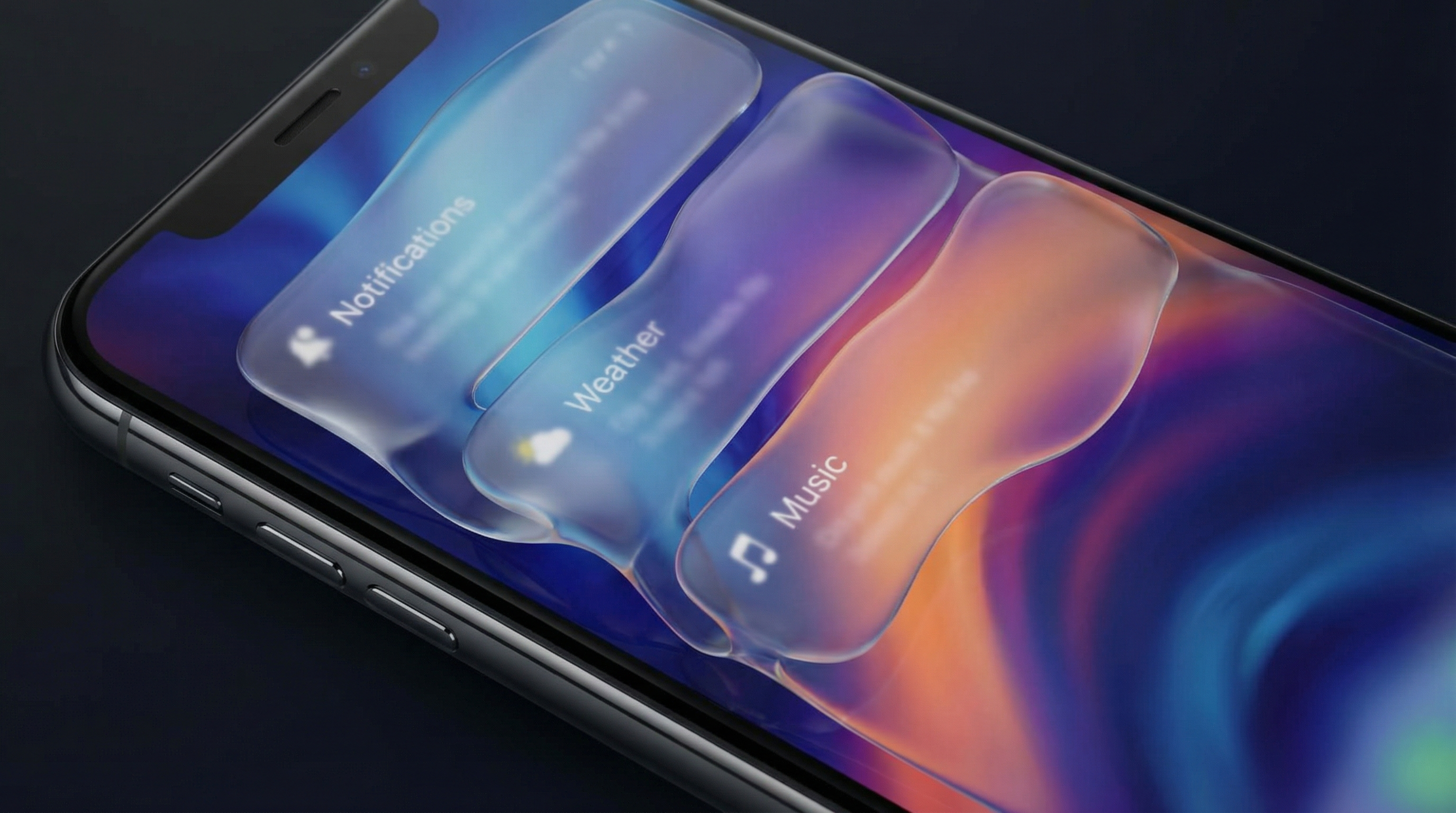
Here's where my mixed feelings kick in. Liquid Glass is visually impressive. I'll give Apple that. The translucency effects, the way UI elements refract and shift, it genuinely looks like a leap forward in mobile design.
But here's the thing: cool-looking and usable aren't always the same thing.
My biggest concern is contrast and readability. When you layer translucent glass effects over dynamic backgrounds, text and UI elements can become harder to read. For users with low vision, color blindness, or even people just trying to read their phone in bright sunlight, this is a real problem.
Apple has a history of chasing visual trends and letting accessibility play catch-up. Remember the ultra-thin fonts era? That wasn't great for readability either. I'm hoping they've learned from that, but the early Liquid Glass implementations I've seen don't fill me with confidence.
What "good" would look like here is simple: ship the eye candy, but make sure accessibility settings actually override it properly. Let users who need higher contrast or reduced transparency get a fully functional experience, not a watered-down version of the "real" UI.
The Timeline Is Tight (But Might Budge)
Three weeks is not a lot of runway. If your team hasn't started the migration yet, you're in crunch mode. The migration involves updating to Xcode 26, adopting the new design system, testing against Liquid Glass rendering, and making sure your app doesn't look broken on devices that support the full effects versus those that don't.
Here's my hot take: if enough developers push back, Apple might extend this deadline. They've done it before. Back when they introduced new privacy requirements, the developer community made enough noise that Apple gave extra time. I wouldn't bank on it, but I also wouldn't be shocked if we see a quiet extension.
That said, don't use "maybe they'll extend it" as your migration strategy. That's how you end up scrambling at the last minute.
Device Support Just Got Narrower
iOS 26 drops support for iPhone XS, XS Max, and XR. If your app has a significant user base on those devices, you need a plan. Those users won't be updating to iOS 26, which means you'll either need to maintain an older build for them or accept that you're leaving them behind.
And if you want to use Apple Intelligence features, you'll need iPhone 15 Pro or newer. That's a pretty small slice of the overall iPhone user base right now.
What You Should Be Doing Right Now
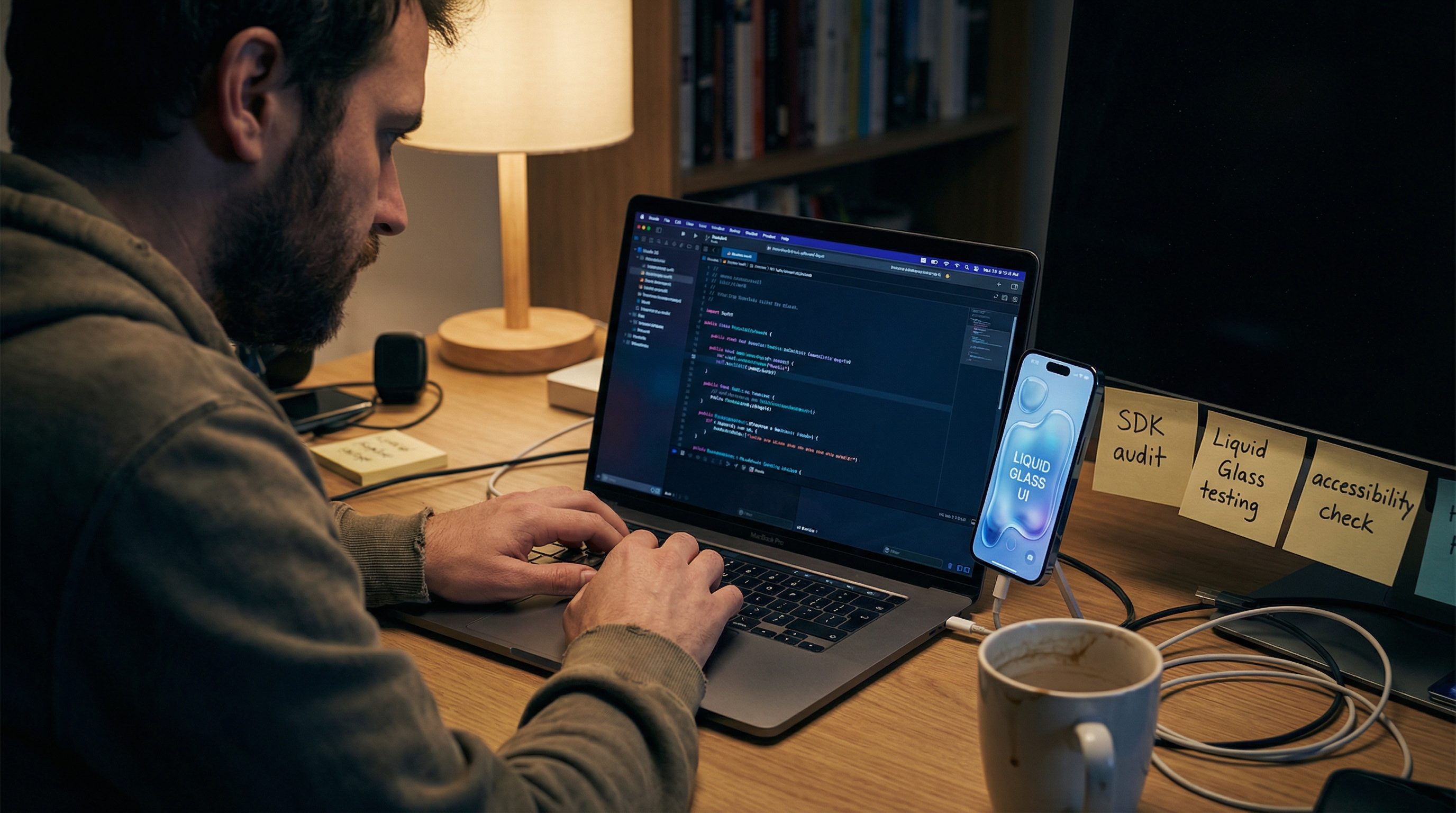
Whether you're a founder, a tech lead, or the dev doing the actual migration, here's the checklist:
Audit your current SDK version. If you're not already on or close to iOS 26, figure out the gap. The bigger the jump, the more work ahead.
Test Liquid Glass rendering. Don't just build and ship. Actually look at your app with the new design system. Check contrast ratios. Check readability. Check how it renders on older supported devices versus the latest hardware.
Check your device support matrix. Know which devices you're dropping and how many users that affects.
Budget time for accessibility testing. This is not optional. If Liquid Glass hurts readability in your app, you need to catch that before your users do.
Have a fallback plan. If the migration hits a wall, know what your minimum viable submission looks like to get through the door on April 28.
Where This Is Headed
The Liquid Glass era is here whether we're ready or not. Apple is betting big on this design language, and it's going to define the look and feel of iOS for years. Love it or not, this is the platform your users are on, and they're going to expect your app to feel at home in the new ecosystem.
My hope is that Apple takes accessibility feedback seriously and gives developers better tools to ensure their apps are usable for everyone, not just people with 20/20 vision and the latest iPhone. If that happens, Liquid Glass could genuinely be a step forward. If it doesn't, we're going to see a lot of pretty apps that are harder to use.
Either way, don't sleep on that April 28 deadline.
The best time to start migrating was last month.
The second best time is right now.
Need help getting your app ready for iOS 26? Solac Labs works with teams to build, migrate, and ship mobile apps on tight timelines. Reach out and let's talk.
Comments (0)
No comments yet. Be the first to share your thoughts!
Related Posts